Am I incorrect in my understanding that xQuartz on a Mac should fulfill the xhost requirement?
I am getting stuck at this stage in the install on M3 MacBook with homebrew xQuartz install. xQuartz appears to be in the PATH.
Am I incorrect in my understanding that xQuartz on a Mac should fulfill the xhost requirement?
I am getting stuck at this stage in the install on M3 MacBook with homebrew xQuartz install. xQuartz appears to be in the PATH.
Hello @kaipyroami,
Can you share some logs or a screenshot? I’m gonna try to reproduce that on my M2. And probably also wright an installation guideline for macOS as for Windows which are not super straightforward compared to Linux.
Thank you in advance!
Alright,
So I deleted XQuartz completely, and can give you an installation process. I’ll check then how it works with the installation script, so I can fix if it fails to do it properly.
You can install XQuartz in two different ways:
brewIf you use brew, here are the steps:
fluxius@mac ~ % brew uninstall --cask xquartz ## Try first to uninstall everything

==> **Uninstalling Cask** **xquartz**

==> **Removing launchctl service org.xquartz.privileged_startx**


Password:

==> **Uninstalling packages with `sudo` (which may request your password)...**

org.xquartz.X11

==> **Purging files for version 2.8.5 of Cask xquartz**

fluxius@mac ~ % xhost

zsh: command not found: xhost

fluxius@mac ~ % brew install --cask xquartz  # Then reinstall it all

✔︎ JSON API formula.jws.json                                                                                                                                                    Downloaded   31.9MB/ 31.9MB

✔︎ JSON API cask.jws.json                                                                                                                                                       Downloaded   15.3MB/ 15.3MB

==> **Downloading https://github.com/XQuartz/XQuartz/releases/download/XQuartz-2.8.5/XQuartz-2.8.5.pkg**

Already downloaded: /Users/fluxius/Library/Caches/Homebrew/downloads/988caaea3d3cd6c78225b718b1ad872df7ac1cde00a93953b8c90f646e29c2cd--XQuartz-2.8.5.pkg

==> **Installing Cask** **xquartz**

==> **Running installer for xquartz with `sudo` (which may request your password)...**

Password:

installer: Package name is

installer: Installing at base path /

installer: The install was successful.

installer: The install requires logging out now.

🍺  xquartz was successfully installed!


fluxius@mac ~ % xhost

access control enabled, only authorized clients can connect
The xhost binary should be in /opt/X11/bin/xhostbut if you don’t see, try downloading the package from the official website.
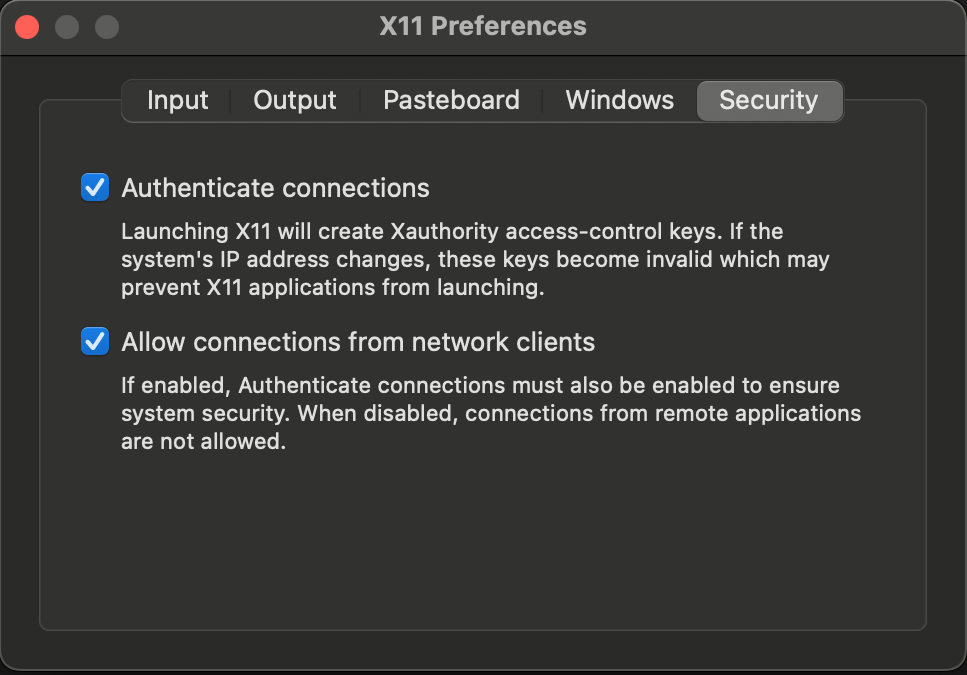
Then you’ll need to set XQuartz > Preferences > Security by enabling the two options:
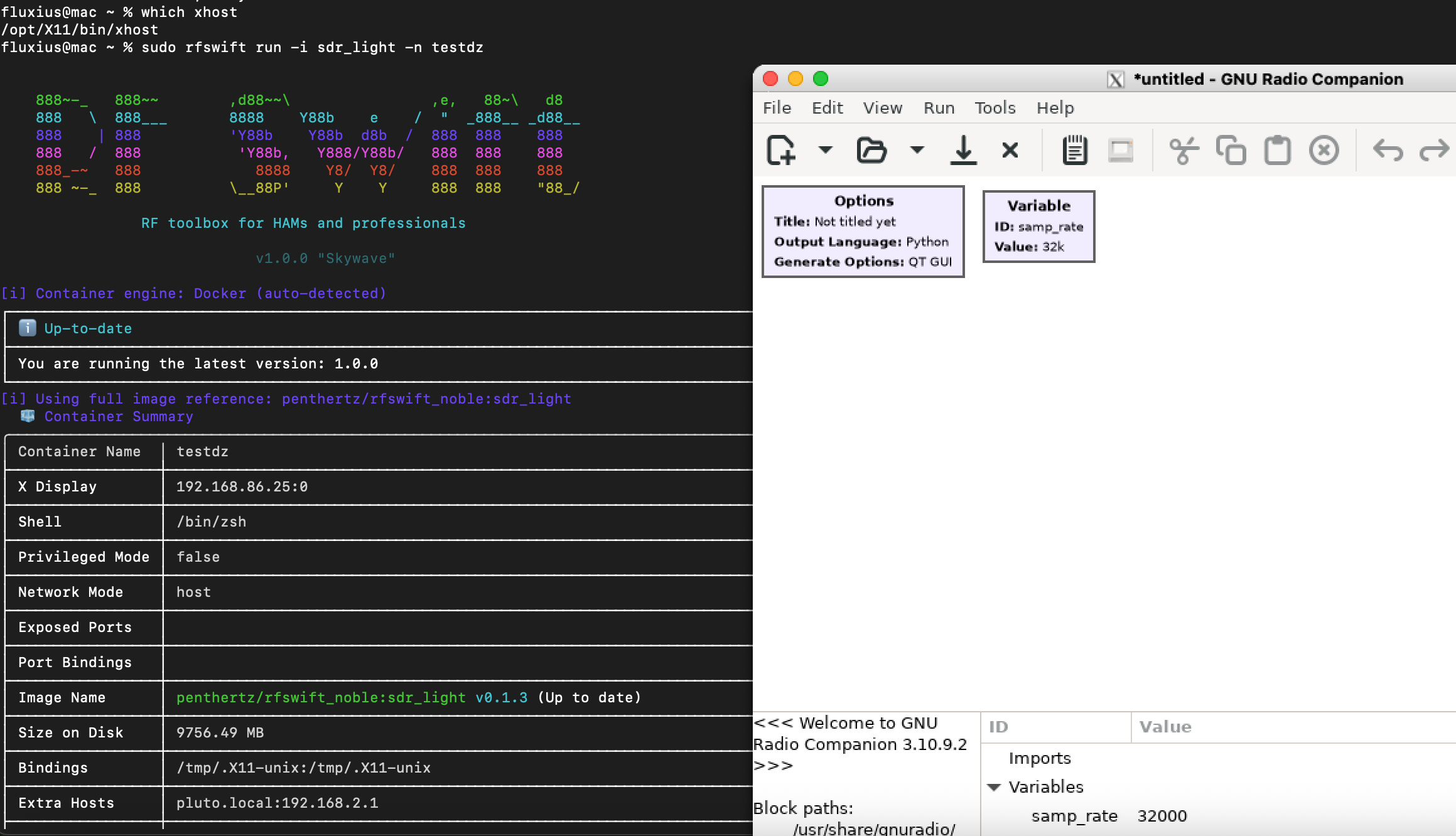
So then, you can launch GUI tools like here:
I just fixed the script for XQuartz installation which didn’t exist and also the Audio checks.
Can you try that script?: `curl -fsSL “https://raw.githubusercontent.com/PentHertz/RF-Swift/refs/heads/main/get_rfswift.sh” | sh`
Thanks! 
Ok, that fixed everything. Thank you!